





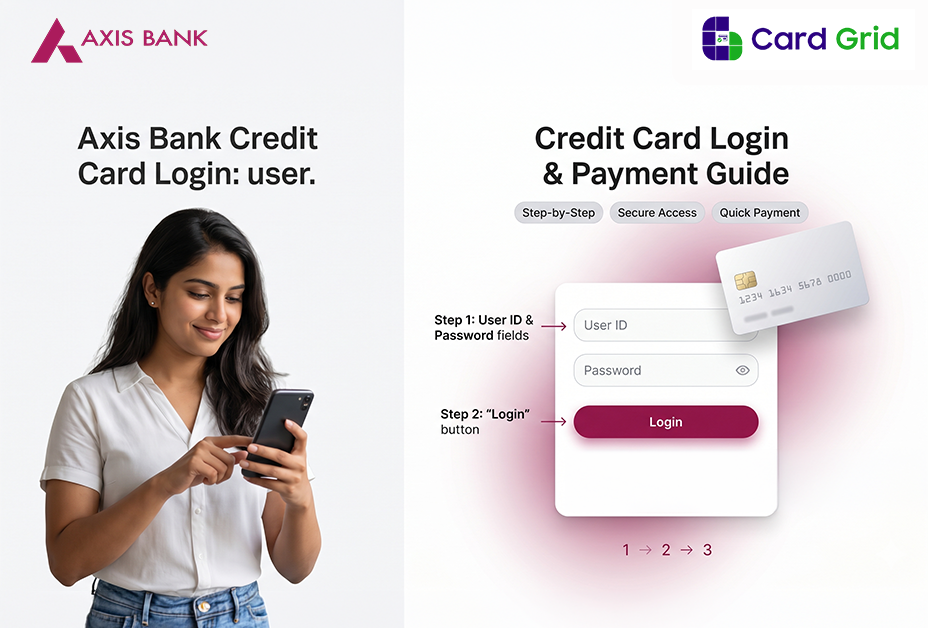

Handling your credit card online is pretty much a must these days, and with Axis Bank, it’s simple, secure, and easy to use. If you’re searching for axis bank credit card login, this guide will help you access your account, manage services, and fix common issues without confusion.
Axis Bank Credit Card Login
Follow these steps to log in:
- Visit the official Axis Bank website
- Click on Login
- Select Internet Banking / Credit Card Login
- Enter your Customer ID / Login ID and Password
- Complete OTP verification
Once logged in, go to the “Cards” or “Credit Card” section to view all details.
Axis Bank Credit Card Login with Mobile Number & OTP
For quick access without remembering passwords:
- Enter your registered mobile number
- Verify using OTP
- Login instantly
Axis Mobile App Login
You can also use the Axis Mobile app:
- Download and open the app
- Login using MPIN or biometric
- Go to the “Cards” section
- View balance, transactions, and offers
This is the easiest method for daily use.
New User Registration for Axis Credit Card Login
If you’re a first-time user:
- Go to the Axis Bank login page
- Click on Register
- Enter your credit card details and mobile number
- Verify with OTP
- Create your login credentials
Make sure your mobile number is linked to your card.
How to Reset Axis Bank Credit Card Login Password
Forgot your password? Here’s what to do:
- Click on Forgot Password
- Enter your Customer ID or registered mobile/email
- Verify with OTP
- Set a new password
Keep your password strong and unique.
Axis Bank Credit Card Net Banking Features
After login, you can:
- Check credit limit and available balance
- View and download credit card statements
- Track transactions in real-time
- Redeem reward points
- Access Control Center to manage card usage
Everything is available in one dashboard.
How to Make Axis Credit Card Payment Online
Pay your bill in a few steps:
- Login to your account
- Go to Credit Card > Payments
- Select your card
- Enter the amount and confirm
You can also enable auto-pay to avoid late fees.
Suggestive Read: Axis Bank Dining Offers April 2026: Save Big on Restaurants & Food Orders
Check Axis Bank Credit Card Statement Online
To view your statement:
- Login to Internet Banking or mobile app
- Go to Credit Card section
- Click on Statements
- Select billing cycle and download
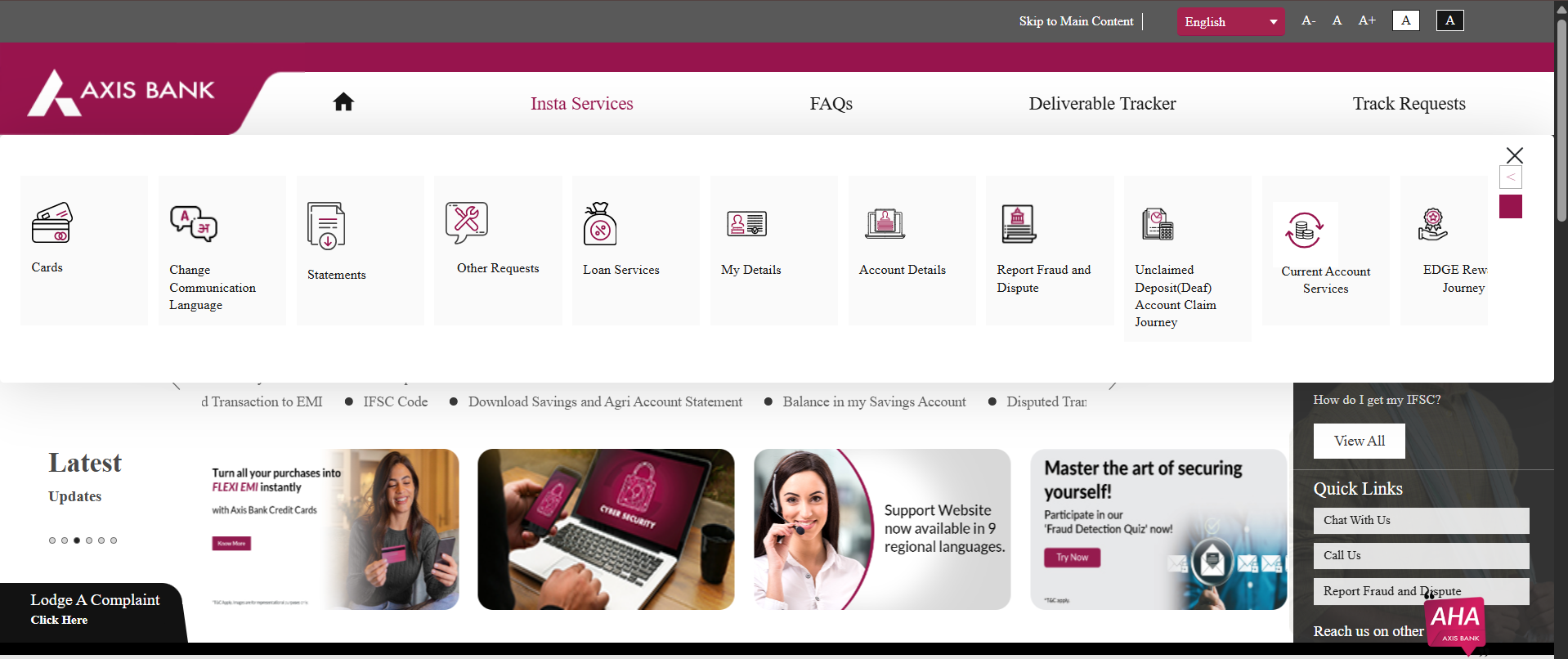
Check Statement Without Login
- Visit Axis Bank Insta Services page
- Select Statements > Credit Card Statement
- Enter your mobile number
- Verify with OTP
You can access your statement instantly.
- Activate your credit card
- Set or reset your PIN
- Control card usage (online/international transactions)
- Block or replace card
All options are available in the Cards / Control Center section.
Common Login Issues and Fixes
Here are quick solutions:
- Wrong password: Use “Forgot Password”
- OTP not received: Check network or retry
- Account locked: Wait or reset credentials
- Slow website: Clear cache or try another browser
Axis Bank Credit Card Customer Care Support
- 1800 209 5577
- 1800 103 5577
FAQs
Q. Can I login to Axis Bank credit card without net banking?
Yes, you can log in using your credit card details or mobile number.
Q. Can I check Axis Bank credit card statements without login?
Yes, via Insta Services using OTP.
Q. How often should I check my Axis Bank credit card account?
Regularly, to track spending and avoid surprises.




Add Comment